Tools2 min read
Gemini in Chrome can now summarize any webpage as you browse
Google has added Gemini to the Chrome side panel, letting you summarize articles, compare products and get plain-language explanations without leaving the page you are on. You open it with one click on the Gemini icon in your toolbar.
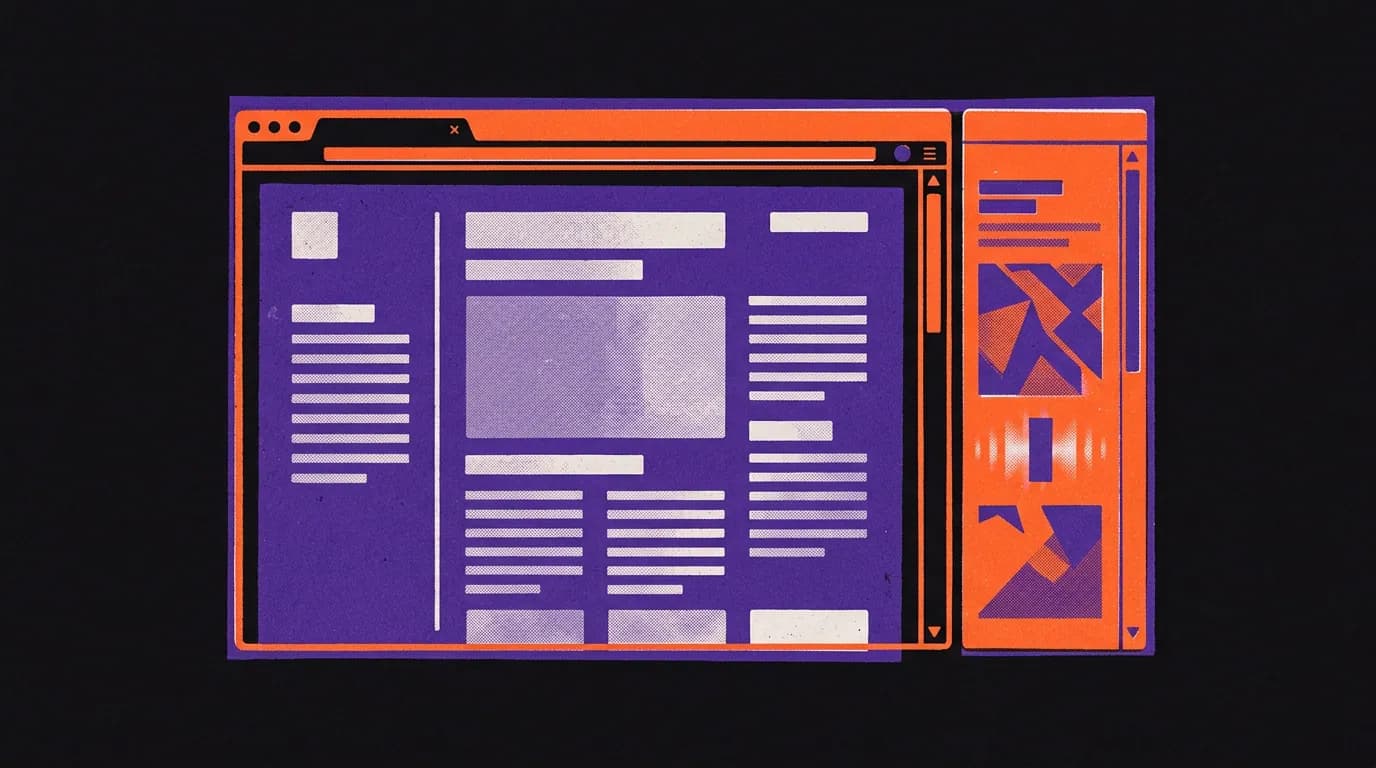
Google has brought Gemini into the Chrome browser side panel. You can now ask it to summarize a page, compare products or explain a tricky topic, all without losing your place.
What happened
On 12 November, Google announced that Gemini is available directly inside Chrome through a side panel. You open it by clicking the Gemini icon in your Chrome toolbar. From there you can ask questions about whatever page you are currently reading.
Google describes three main uses:
- Summarizing a dense report into a shorter overview
- Comparing product details when you are on a shopping or review page
- Explaining complicated topics in plain language
Google has not said which Chrome versions, countries or account plans get access, or whether there is an extra cost.
What it means for your work
- You can read a long article and ask Gemini to give you the key points, without copying text into a separate AI tool.
- When you are comparing two products or services online, you can ask Gemini to pull out the differences from the page in front of you.
- You stay on the same tab the whole time, so you do not lose your reading position.
- It works on any website, not just Google properties.
What to do now
- Open Chrome and look for the Gemini icon in your toolbar. If you do not see it, check for a Chrome update.
- Visit a long article or a product page you need to read for work.
- Click the Gemini icon to open the side panel.
- Type a question such as "Summarize this" or "What are the main points?" and read the response alongside the page.
- If the icon is not there yet, check back. Google has not given a rollout timeline.
The side panel keeps your page open while Gemini answers, which makes it a practical addition to any research or reading task at work.