Tools4 min read
Claude adds whiteboards, spreadsheets and data dashboards for teams
Anthropic launched Claude Whiteboards, Claude Sheets and Claude Data on 10 November, giving paid users shared boards, AI-built spreadsheets and live data dashboards inside Claude. Partner apps including Notion, Asana and Canva can now open as full tools beside your conversation, so you no longer need to switch tabs.
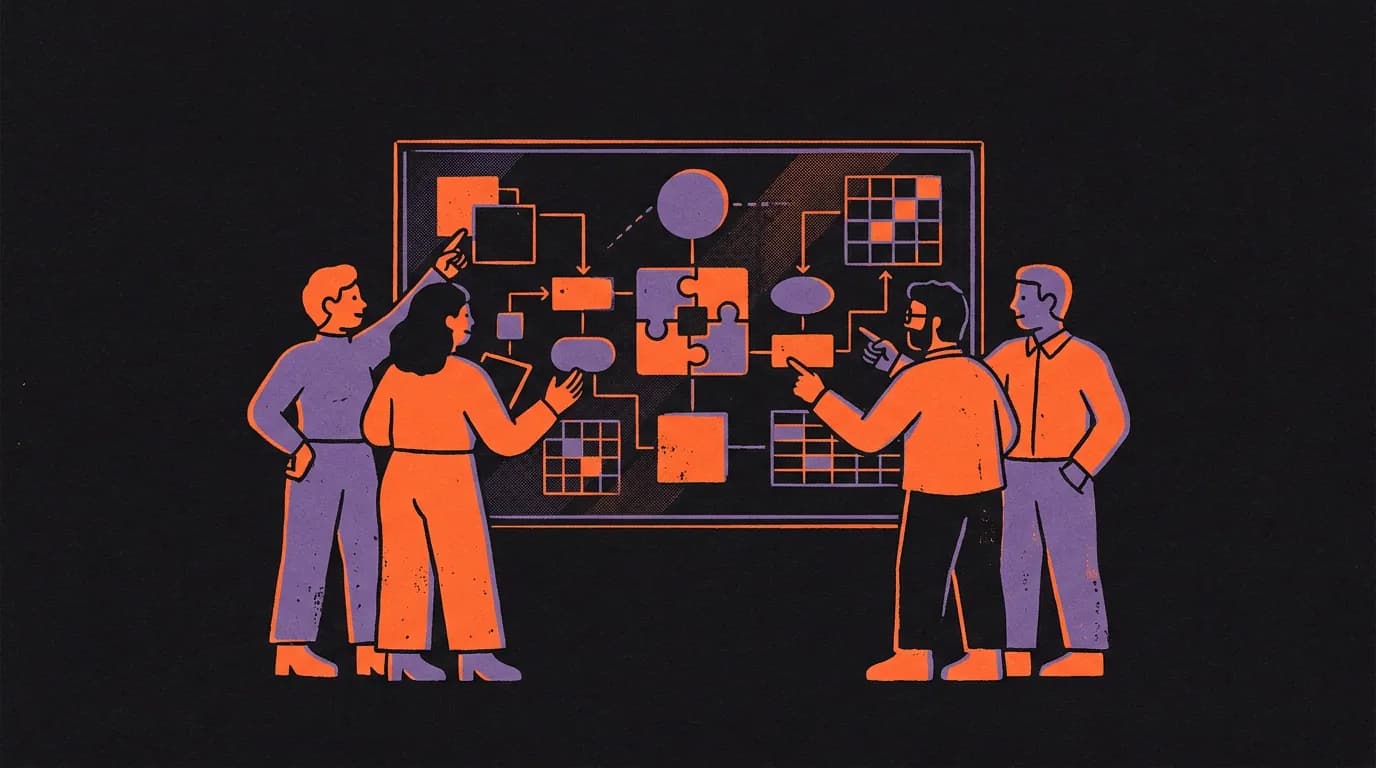
Anthropic launched three new built-in tools on 10 November: Claude Whiteboards, Claude Sheets and Claude Data, all available on paid plans. At the same time, partner apps including Notion, Asana and Canva can now open as full, working tools beside your Claude conversation.
What happened
Until now, working with Claude on a project meant copying its output into another app, where Claude had no live access to follow your edits. These launches bring the work back into one place.
Claude Whiteboards is a shared board where your team brainstorms with Claude in real time. You can talk through a plan, and Claude turns it into a board with a timeline, owners and dates. In a retro meeting, for example, everyone can add notes and Claude can group them by theme and draft action items. You can drag a box around any part of the board and ask Claude questions about it. When you finish, Claude can turn the board into a doc or deck, or send it to tools like Lucid, Miro or Vani by Zoho.
Claude Sheets lets Claude generate spreadsheets with tabs, formulas, formatting and drop-downs from a single prompt, such as asking for a campaign tracker or a hiring budget. It edits cells and outlines each change so you can track what moved. For now the functionality is described as simple, with more on the way. You can export to.xlsx or CSV, or continue in partner tools including Airtable, Asana, monday.com and Smartsheet.
Claude Data is the new name for Claude Dashboards, which launched in beta in October and is now generally available. It connects to data sources such as Amazon Redshift, BigQuery and ClickHouse. New features include:
- Certified queries, so your data team can mark the metrics everyone should use, and charts built on them carry a "certified" badge
- Data stories and narrated videos drafted from your metrics, for you to review before sharing
- Live sharing, so colleagues see up-to-date numbers when they open a shared dashboard, even without access to the underlying data connectors
- Tracked changes, so you can see who edited a dashboard and roll back to an earlier version
- Caching, with refresh cadences you can set per dashboard
Data partners include Amplitude, Mixpanel, Omni, PostHog, Sigma and ThoughtSpot.
Partner apps inside Claude are also new as of 10 November. Interactive connectors, which previously showed a small live view of a tool, can now open as a full app beside your conversation or in full screen. Claude can make changes directly in the open tool, and you approve each action. Tools available at launch include Adobe, Atlassian (Confluence), Box, HubSpot and Notion. Figma, Harvey and Shopify are building integrations. This feature uses MCP (a connector that lets AI use your apps, such as Drive, Slack or Notion) as its technical foundation.
The rollout is on the web and in the Claude desktop app on all plans, as part of a new Claude experience that brings chat and a collaborative workspace together. You will see the features once your account is updated or your organisation turns it on.
What it means for your work
- You can run a brainstorm or retro directly in Claude and share the board with your team, without moving to a separate whiteboard tool
- Claude can build a first-draft spreadsheet from a text prompt, then you and your team edit it together in the same place
- Data teams can certify the metrics the whole company uses, reducing the risk of conflicting numbers in different dashboards
- Apps like Notion and HubSpot open inside Claude, so you can ask Claude to edit a page or prioritise tasks without leaving your conversation
What to do now
- Open Claude on the web or desktop and look for Whiteboards, Sheets or Data in your workspace. They are on all paid plans, but the rollout is gradual.
- If you use Notion, Asana, Canva or another listed partner, go to the connector directory in Claude and connect the tool, then try opening it from the + menu or pinning it to your sidebar.
- If you manage data dashboards, check whether Claude Data is available and ask your data team about setting up certified queries for your key metrics.
- If your organisation uses Claude, admins can control which connector tools are available the same way they do today.
All three tools are available on paid plans. Certified queries and live sharing in Claude Data are still in beta. Anthropic has not said when the full rollout completes for every account.
The work stays in Claude now, which means fewer tabs and fewer copy-paste steps between brainstorm and finished output.